Transparent Window System - Gamemaker
A downloadable asset pack
TRANSPARENT WINDOW DLL
GAMEMAKER

Level up your GameMaker project!
This package brings the ultimate window manipulation power you've been missing. It's the definitive tool for creating Desktop Pets, stream Overlays, or standalone utility apps.
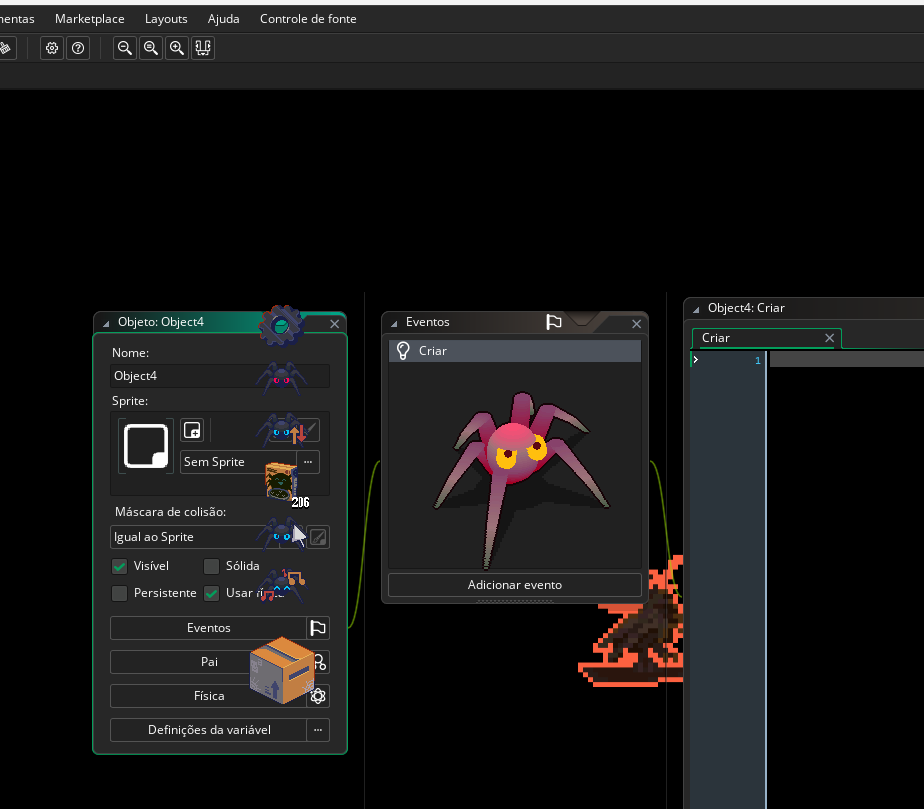
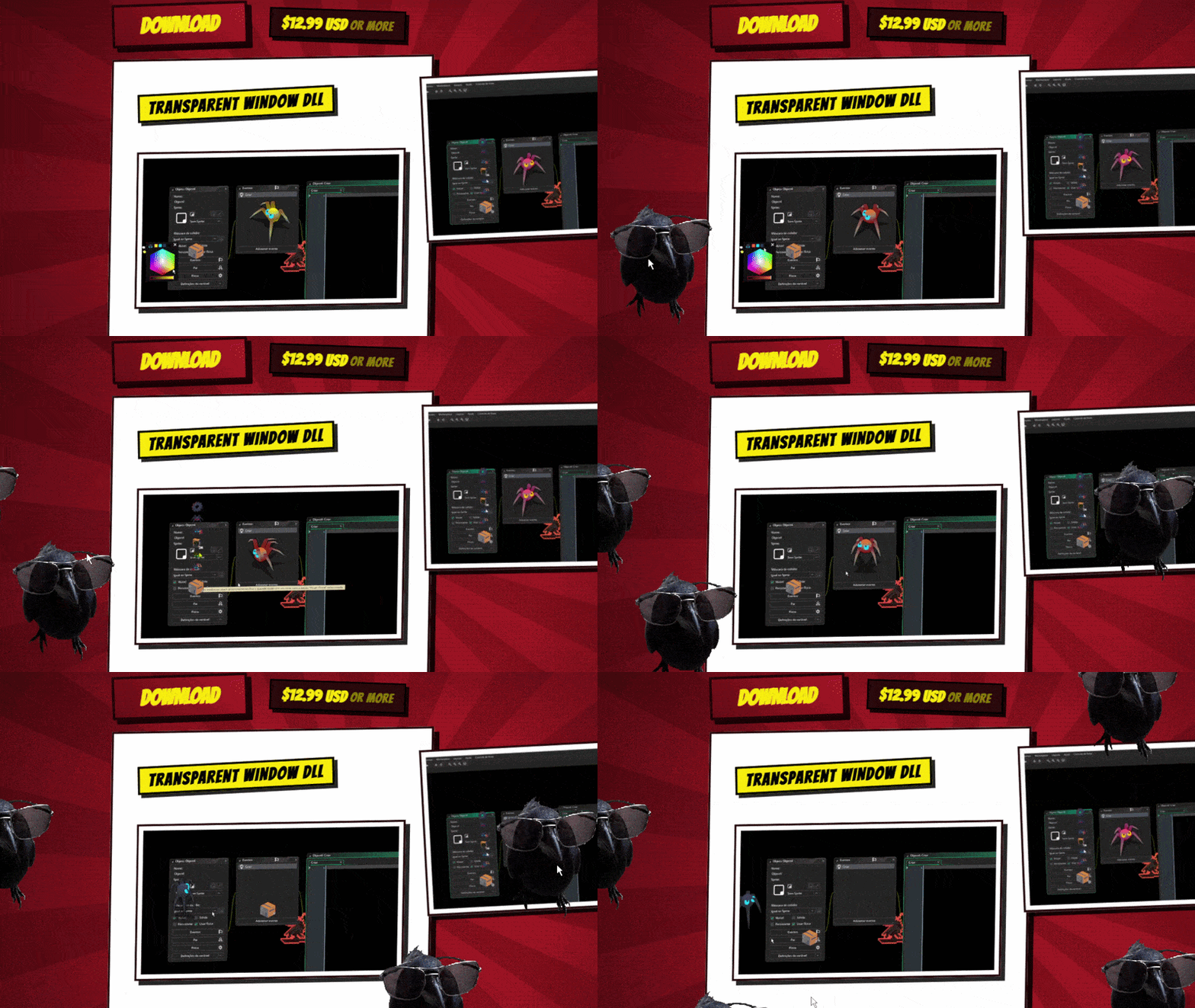
🕷️ Note: The spider character shown in the preview GIFs is a separate project used for demonstration purposes only. It is NOT included in this package!
Multiple Windows & YYC Compiler
Want to spawn a swarm of Desktop Pets or multiple separate widgets? The DLL achieves this by using command line arguments to launch new .exe instances of your game, which then talk to your Main Window via the Shared Memory channel.
⚠️ CRITICAL REQUIREMENT: This setup is of extreme importance for both the transparency effect to work properly AND for testing multiple windows. It is NOT just recommended—it is absolutely MANDATORY for both testing and compiling your game using GameMaker's YYC (YoYo Compiler) instead of the default VM compiler! ⚠️


If you don't know how to set up and install the YYC compiler in GameMaker, watch this quick setup tutorial on YouTube.
Transparent Window
Free your game from the box! Remove the default GameMaker window background and let your characters roam freely across the user's desktop. You can move the window via code to create autonomous, walking animations, while still keeping full support for direct interaction like mouse clicking and dragging.
Smart Always on Top
Keep your app floating above all other windows. It includes a smart screen-reading system: if the user opens a game or video in True Fullscreen, the DLL automatically pushes your window to the back so it doesn't get in the way, bringing it back to the top as soon as they return to the desktop.
Window Communication
Forget the clunky workarounds of saving data in .ini or .json files to make two windows talk to each other. Our Shared Memory system allows you to send variables (coordinates, clicks, command modes) in real-time with zero latency between multiple GameMaker executables running on the same machine.
How to Use (Quick Start)
1. Import the Files
The download includes a local package containing useful, pre-configured objects to handle the DLL for you, along with a fully functional Example Project so you can see exactly how it works out of the box. Just import the package into your GameMaker project and you are ready to go!
2. GameMaker Graphics Settings & Room
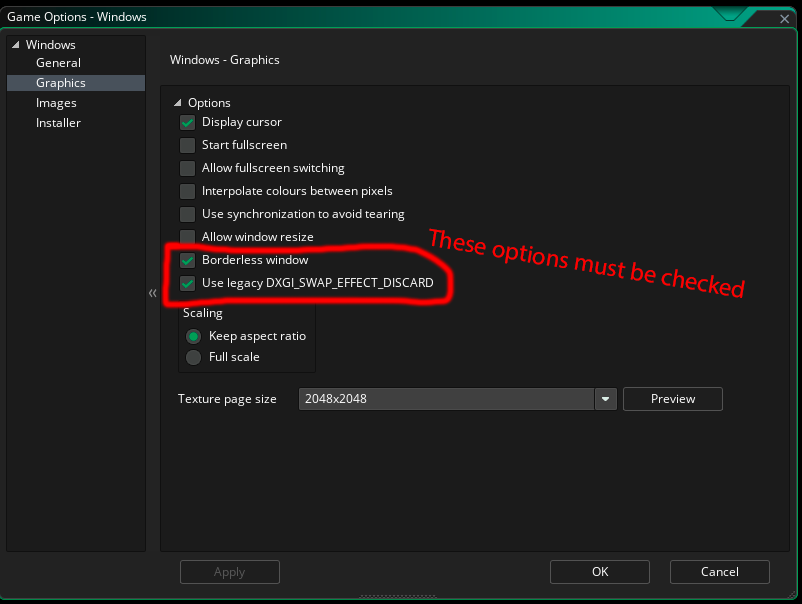
For the transparent background to render correctly, you must change two settings in your Game Options. Go to Options -> Windows -> Graphics and make sure to check both:
- Borderless Window
- Use legacy DXGI_SWAP_EFFECT_DISCARD

⚠️ SUPER IMPORTANT: You MUST delete the default "Background" layer in your Room Editor, otherwise the transparency will NOT work! ⚠️
3. Call the Functions
Initialize the DLL right at the start of your game. From there, you just need to call the specific functions to apply the transparent background, toggle the "Always on Top" behavior, or write/read shared memory variables. Open the Example Project included in your download to see exactly how to structure these function calls!
Simple Usage (Single Window)
If you only want the Transparent Window effect and don't need communication between multiple apps, it's incredibly easy! Just copy the Main Handler Object from the Example Project into your own game and place it in your first room.
Tip: If your game transitions between multiple rooms, make sure to check the Persistent box on the object so the transparency effect stays active throughout the entire game!
Purchase
In order to download this asset pack you must purchase it at or above the minimum price of $9.99 USD. You will get access to the following files:
Comments
Log in with itch.io to leave a comment.